
Named equipment
Start with what the equipment is and how it is being used.
Equipment, warning signs and practical repairs
Prepare a specific equipment fault with warning signs, clear costs and practical repairs. Give damaged gear a useful next decision.

Equipment, warning signs and practical repairs
Make damaged gear specific, understandable and useful in play.
Start with what the equipment is and how it is being used.
Connect the fault to the situation and warning signs.
Describe the immediate effect and lost resources.
Prepare a field fix and specialist repair.
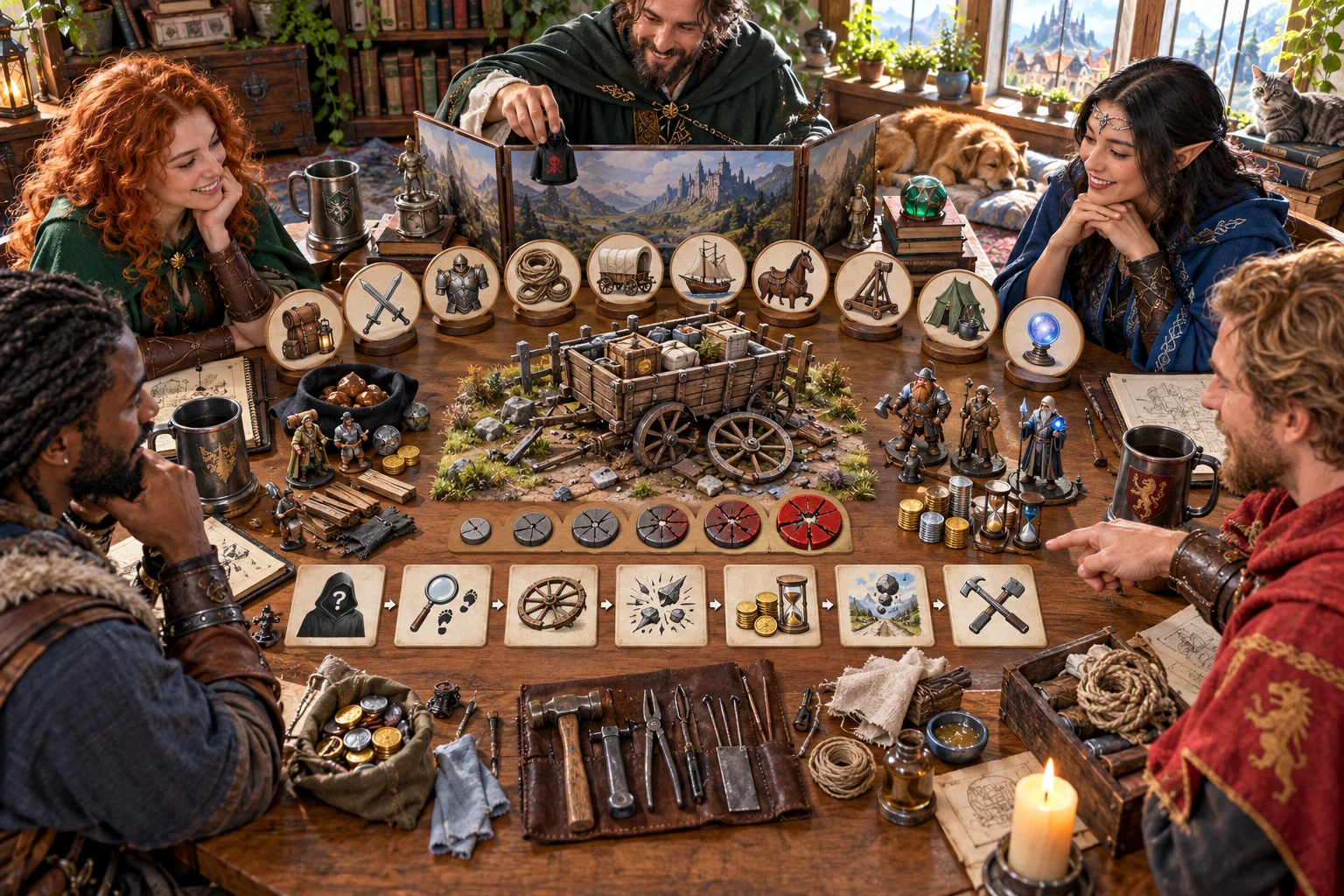
Prepare the fault and repair
The illustration represents fictional equipment failure planning, not an application screen or generated image output.
Set the equipment, current use, severity and cause.
Review warning signs, available tools and repair resources.
From equipment to recovery
Keep the failure tied to the actual equipment and available resources.
Choose its type, current use and owner.
Set cause, severity and warning signs.
Review immediate effects, lost time and the next problem.
Plan materials, tools, specialist, cost and time.
Your equipment failure toolkit
Prepare a believable fault and practical recovery around named equipment.
Build the fault around the actual equipment, its owner and the situation.
Work with gear, weapons, armour, rigging, vehicles, ships, mount tack, siege gear, camp equipment or magical tools.
Choose an inconvenience through to a catastrophic breakdown with a believable cause.
Describe signs that make the failure specific, understandable and potentially preventable.
Prepare the effect, lost time and resources and the next practical problem.
Build a fix around the materials, tools and repair resources available.
Describe the specialist, cost, time and long-term repair or future hook.
Edit and lock sections, selectively change the result, save versions and review the chosen export.
Choose the detail the situation needs
Add warning signs, private context and the resources available.
Choose the equipment, type, severity and optional pending roll.
Add situation, cause, warning signs and repair resources.
Name the owner and things to avoid.
Keep sabotage and private details for the intended audience.
Refine the problem for your table
Retain the cause, costs and repair paths around the named equipment.
Adjust the details to suit the current scene.
Keep useful sections while changing selected details.
Save the failure and reopen its recorded context.
Review the Dungeon Master or player result before sharing.

A repair to review
Review the cause, warning signs and immediate effect.
Check lost time, resources and the next problem.
Review the field fix, specialist, costs and time before sharing.
A specific equipment fault
Keep the repair practical and the costs appropriate to the campaign.
This prepares a fault and repair around named equipment.
Accident scenes, harmless broken objects and magical mishaps have their own tools.
Decide damage, statistics and success at your table.
Review the chosen player passages for spoilers and sabotage.
Choose your generator access
Choose the required generator access and review current pricing in your account.
Choose the required access for Equipment Failure Generator as a selected standalone generator.
Select this generator within an eligible pack. Review current capacity and pricing in your account.
Other generators, Battlemaps and image-credit products have their own access arrangements. They are not included automatically.
Create a free account, choose the required generator access and use Desktop Command Centre on Windows.
VISINVOKE means value
A focused tool for equipment faults, warning signs, costs and repair paths.

Identify what has failed and how it is being used.
Connect the immediate effect and the next practical problem.
Inspect materials, tools, specialists and repair estimates.
Prepare setbacks, salvage and another useful action.
Build your tabletop toolkit
Each card opens its own product website. Review purpose and access separately; related products do not promise included access or automatic synchronisation.

Open your VISINVOKE products from Windows.

Frame a live exchange after an established social mistake.

Build the wider setting around your campaign.

Develop the places your party travels through.

Explore separate adventure environments.

Explore separate fantasy image creation.
Product artwork illustrates fictional scene preparation, not application screens or actual generated image output.
Quick answers
Understand faults, warning signs, repair options and exports.
Prepare a specific fault for named equipment: current use, cause, warning signs, exact failure, immediate effect, lost time and resources, knock-on consequence, field fix and specialist or permanent repair. The result turns damaged equipment into practical decisions for the campaign.
Choose adventuring gear, a weapon, armour, rigging, a vehicle, ship, mount tack, siege gear, camping equipment or a magical tool. Set severity from an inconvenience to a catastrophic breakdown and keep the failure appropriate to the named equipment.
Quick names the equipment, chooses its type and severity and lets you prepare a pending roll when the actual dice still need to decide the result. Deep adds the situation, cause, warning signs, repair resources, owner, things to avoid and private context.
Prepare a field repair from available materials and tools, then describe the specialist, cost, time and permanent fix. Use an optional real roll when the table still needs to decide success. Your table rules decide damage and item statistics. This generator never starts or changes combat and sends nothing to Combat PRO.
Edit individual sections, use locks and selective changes and save versions. Reopen a saved failure with its cause, warning signs, costs, consequences and repairs. Copy, download or print the chosen Dungeon Master view or separate player result. Review the chosen passages for audience and spoilers, keeping hidden sabotage and private context separate.
Open Equipment Failure Generator from the Generators collection in Desktop Command Centre on Windows. Create a free VISINVOKE account and review current access and pricing for the selected standalone generator or an eligible pack. Other VISINVOKE products have separate access arrangements.
Continue in VISINVOKE
Create a free VISINVOKE account and choose generator access.
Get Desktop Command Centre from your account installer page. Sign in on Windows and open Equipment Failure Generator.